
WhatsApp Metrics
The WhatsApp Metrics card, near the bottom of the Shopify settings page, answers two questions: how many messages went out, and what did they earn.
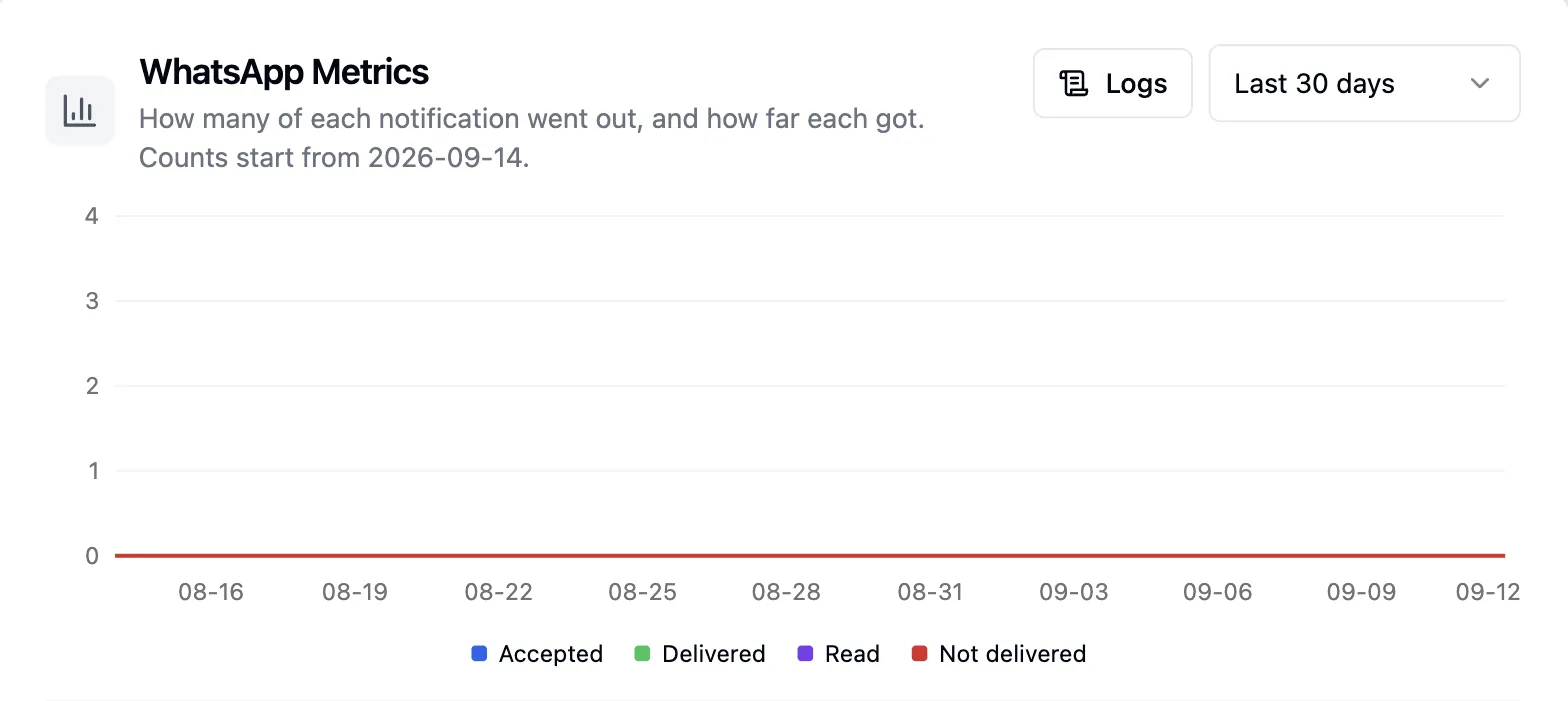
Messages per day
Section titled “Messages per day”One line per status, over the range you pick — last 7, 30 or 90 days.
| Status | What it means |
|---|---|
| Accepted | WhatsApp took the message from us |
| Delivered | It reached the customer’s phone |
| Read | They opened it |
| Not delivered | WhatsApp could not deliver it |
These are a funnel, so each is at most the one before it. A message that was read was also delivered and accepted.
Money recovered from abandoned carts
Section titled “Money recovered from abandoned carts”Under the first chart: the value of orders that came back through a cart you messaged, within 14 days, counted on the day the order arrived.
Currencies are kept apart. A store taking both INR and KWD gets a line each, never one meaningless total.
The per-day table
Section titled “The per-day table”Below the charts, one row per date and notification type, newest first.
Every message in a sequence gets its own row — Abandoned cart, Abandoned cart 2, COD reminder 1, COD reminder 2 — so you can read the drop-off down the table. That is the whole reason to run a sequence: finding out whether the third message is worth sending. A single combined row cannot answer it.
The Logs button opens every Shopify notification Wylto has sent, newest first — which customer, which template, what filled each variable, and what WhatsApp did with it.
One stream for all of them, because what you usually want to see is what went out to your customers, not which toggle sent it.
Counts start when you turn it on
Section titled “Counts start when you turn it on”The card says Counts start from a date. Nothing before it was counted, so an empty stretch at the start of a range means “not measured”, not “nothing sent”.